Technology
| By Brian Carter | February 14, 2026 | 5–6 min read
Discover simple do-it-yourself solutions for everyday technology issues. From troubleshooting slow devices to resolving connectivity problems, learn practical fixes that save time and keep your gadgets running smoothly.
Technology has made life easier, but it’s not without its frustrations. From frozen smartphones to slow computers and unresponsive apps, small tech problems can disrupt your day. Fortunately, many common issues can be fixed quickly at home without professional help. With these fast and easy DIY fixes, you can troubleshoot devices efficiently and keep your tech running smoothly.
“Technology is best when it works seamlessly — and knowing a few tricks makes that possible.”
1. Slow or Lagging Devices
A slow device is often caused by excessive apps, background processes, or full storage. To fix this:
Restart your device to clear temporary files.
Delete unused apps and programs.
Clear cache on smartphones and browsers.
Consider adding more storage or freeing up space for computers.
These steps often bring an immediate improvement in speed and responsiveness.
2. Frozen Apps or Programs
Apps or software can freeze or become unresponsive. Try these solutions:
Force close and reopen the app.
Update the app or software to the latest version.
Restart your device if the problem persists.
Regular updates prevent glitches and improve overall stability.
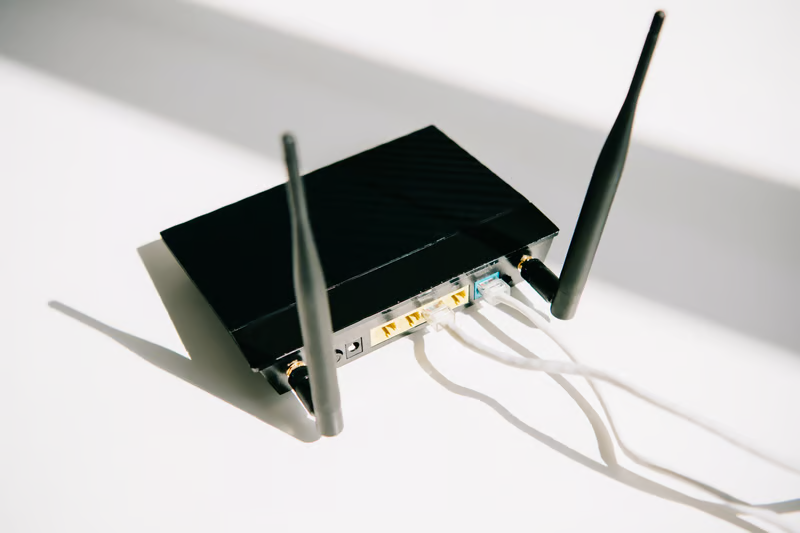
3. Wi-Fi Connectivity Issues
Wi-Fi problems are common and can often be fixed at home:
Restart your router and modem.
Move closer to the Wi-Fi source or reduce interference.
Forget and reconnect to the network on your device.
Update your router’s firmware if needed.
Image credit: Image from Pexels
For persistent issues, contact your Internet Service Provider to rule out external problems.
4. Battery Drain Problems
Fast-draining batteries can affect both smartphones and laptops. To optimize battery life:
Reduce screen brightness and timeout settings.
Close background apps or unnecessary processes.
Disable location services, Bluetooth, or Wi-Fi when not in use.
Check for battery health in settings and replace if needed.
Battery maintenance ensures devices last longer between charges.
5. Overheating Devices
Devices overheat due to prolonged use, blocked ventilation, or environmental heat. To fix this:
Give your device a break and let it cool down.
Avoid using it on soft surfaces like beds or couches.
Remove cases during heavy use or charging.
Ensure vents and fans are clean and unobstructed.
Proper ventilation prevents performance drops and extends device lifespan.
6. Unresponsive Screens or Keyboards
Touchscreens and keyboards may stop responding temporarily. Solutions include:
Clean screens and keyboards to remove dirt or moisture.
Restart your device to reset input functionality.
Check for software updates to resolve bugs.
For external keyboards, try reconnecting or replacing cables/batteries.
7. Audio and Sound Issues
If your device has no sound or distorted audio:
Check volume settings and mute status.
Restart the device or audio software.
Update audio drivers or firmware.
Test with headphones or external speakers to isolate the problem.
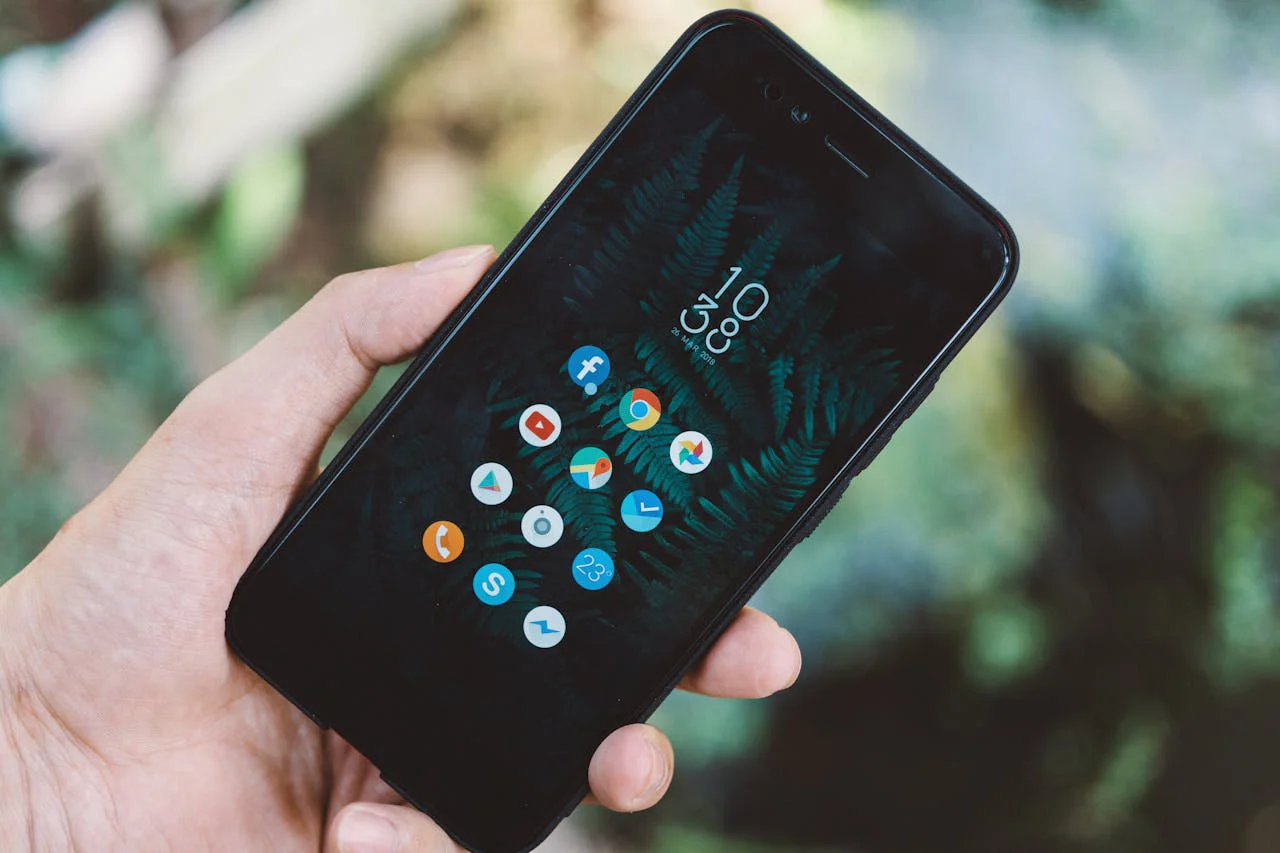
Image credit: Image from Pexels
Tech problems don’t always require professional help. Many issues can be resolved quickly with basic troubleshooting, device maintenance, and updates. By knowing these fast and easy DIY fixes, you save time, avoid frustration, and keep your devices performing at their best.
Regular care, cautious updates, and proactive maintenance are key to a smooth, hassle-free digital experience. With these simple solutions, you’ll handle common tech issues like a pro.
Key Takeaways
■Restarting devices can resolve many common technical issues.
■Checking internet connections often fixes connectivity problems.
■Updating software improves performance and security.
■Clearing cache and unused files can speed up devices.
■Basic troubleshooting steps can prevent unnecessary service visits.