Step-by-Step Guide to Keep Your Devices Fast, Clean, and Secure

Keeping your devices optimized is key to performance and security. Learn practical steps to maintain speed, protect data, and ensure your tech runs smoothly.
Keeping your devices optimized is key to performance and security. Learn practical steps to maintain speed, protect data, and ensure your tech runs smoothly.
Our devices — smartphones, tablets, and computers — have become essential tools for work, communication, and entertainment. Over time, however, they can slow down, accumulate unnecessary files, and become vulnerable to security threats. Regular maintenance ensures that your devices remain fast, efficient, and safe. Follow this step-by-step guide to optimize performance, reduce clutter, and protect your digital life.
“Technology is best when it brings people together, but only if it’s secure, clean, and efficient.” — Unknown
One of the easiest ways to keep your device secure and efficient is by updating its operating system and apps. Software updates fix bugs, patch security vulnerabilities, and sometimes improve performance. Enable automatic updates wherever possible, but regularly check manually for apps or drivers that might have missed an update.
Over time, devices accumulate temporary files, cache, and old downloads that slow performance. Regularly:
This frees up space, speeds up performance, and ensures your device runs smoothly.
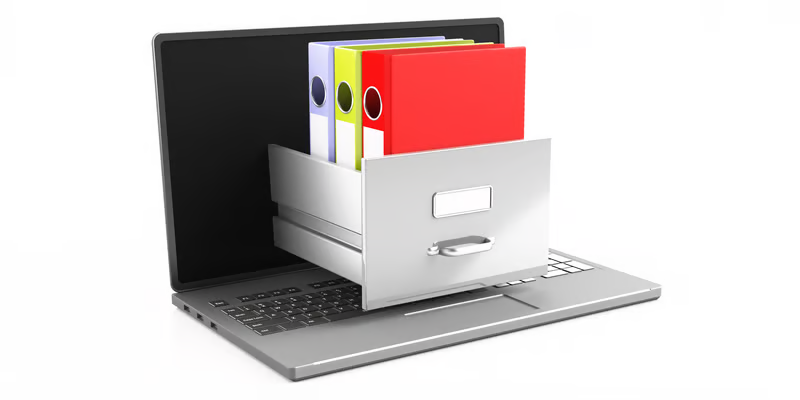
Keeping files organized not only improves efficiency but also reduces system strain. Create folders for work, personal documents, and media. Use cloud storage solutions like Google Drive, OneDrive, or Dropbox to store large files. This prevents your device from becoming overloaded and makes it easier to find what you need.
Protect your device from malware, viruses, and phishing attacks by using reputable security software. Schedule regular scans to detect threats early. For smartphones, ensure apps are downloaded only from trusted stores, and review app permissions carefully. For computers, enable firewall protection and consider multi-factor authentication for accounts.
Many devices slow down because programs automatically launch at startup. Review and disable unnecessary startup applications on computers. On smartphones, close apps running in the background when not in use. Reducing background activity improves speed and battery life.
Unexpected device failures can lead to data loss. Maintain regular backups using external drives or cloud services. Automated cloud backups are convenient and ensure your important files, photos, and documents are always protected.

Keeping your devices physically clean is just as important. Use microfiber cloths to wipe screens and keyboards. Avoid eating near devices and keep them in protective cases to prevent damage. Regular cleaning prevents dust buildup, which can affect performance, especially in laptops and desktop PCs.
Battery health impacts overall device performance. Avoid leaving devices plugged in constantly, and use battery optimization features to extend lifespan. On computers, adjust power settings to balance performance and energy efficiency.
Regularly review app permissions, browser settings, and privacy controls. Limit location tracking, microphone access, and unnecessary notifications. Protecting your privacy reduces exposure to data breaches and enhances digital security.
Maintaining your devices is not just about speed — it’s about safety, efficiency, and longevity. By following these steps, you can ensure your smartphone, tablet, and computer remain fast, clean, and secure. Regular care reduces frustrations, protects your data, and allows you to enjoy a seamless digital experience.
A well-maintained device is a reliable device — one that keeps you connected, productive, and safe in today’s fast-paced digital world.